Android · Free

Save WhatsApp statuses and recover deleted messages — entirely on your device.
Status Saver & Story Download keeps every status, chat capture, and saved file on your phone. No account. No backend. No upload.
Free · No sign-up · Works offline after install
Everything you need from a WhatsApp companion.
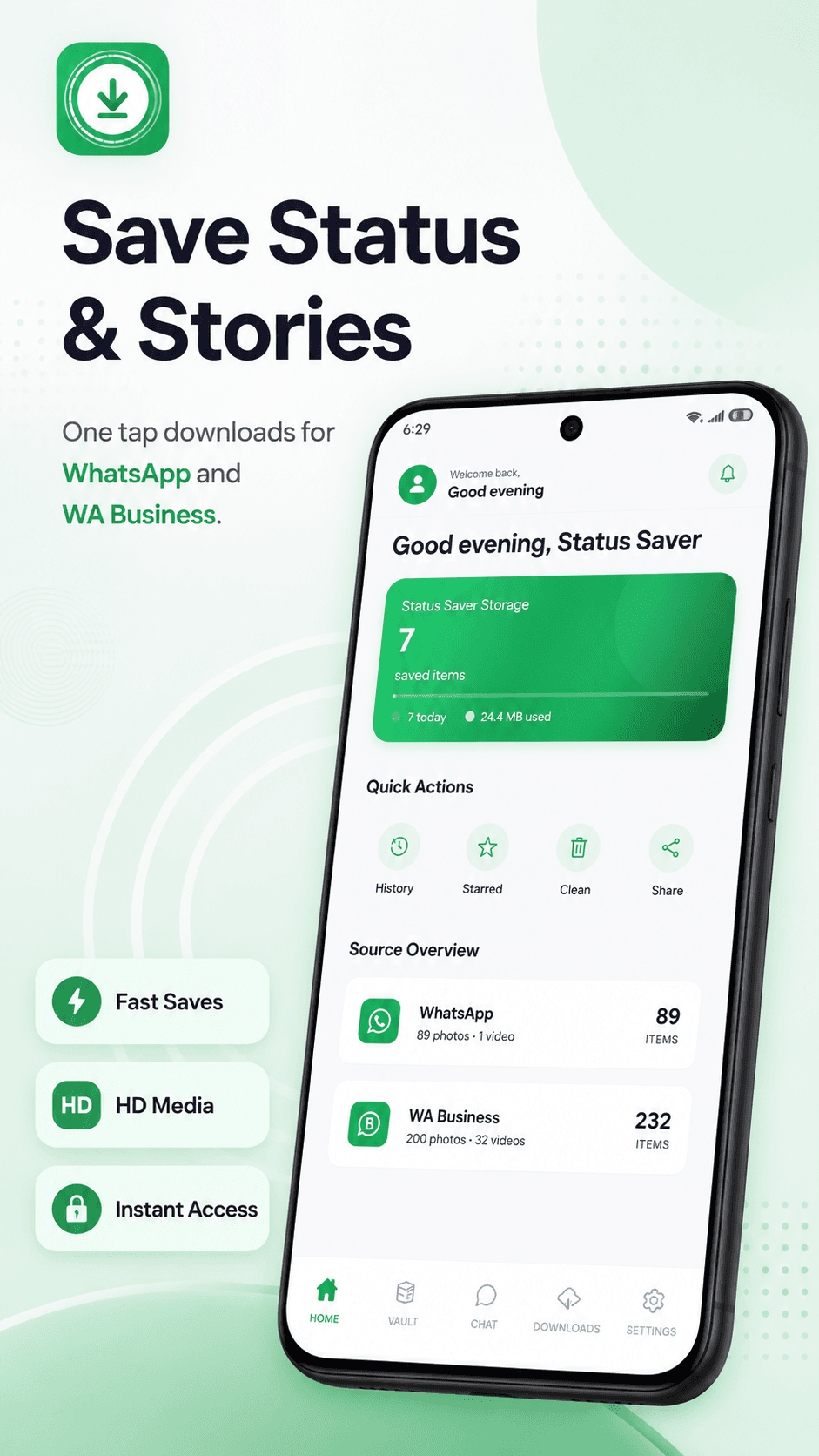
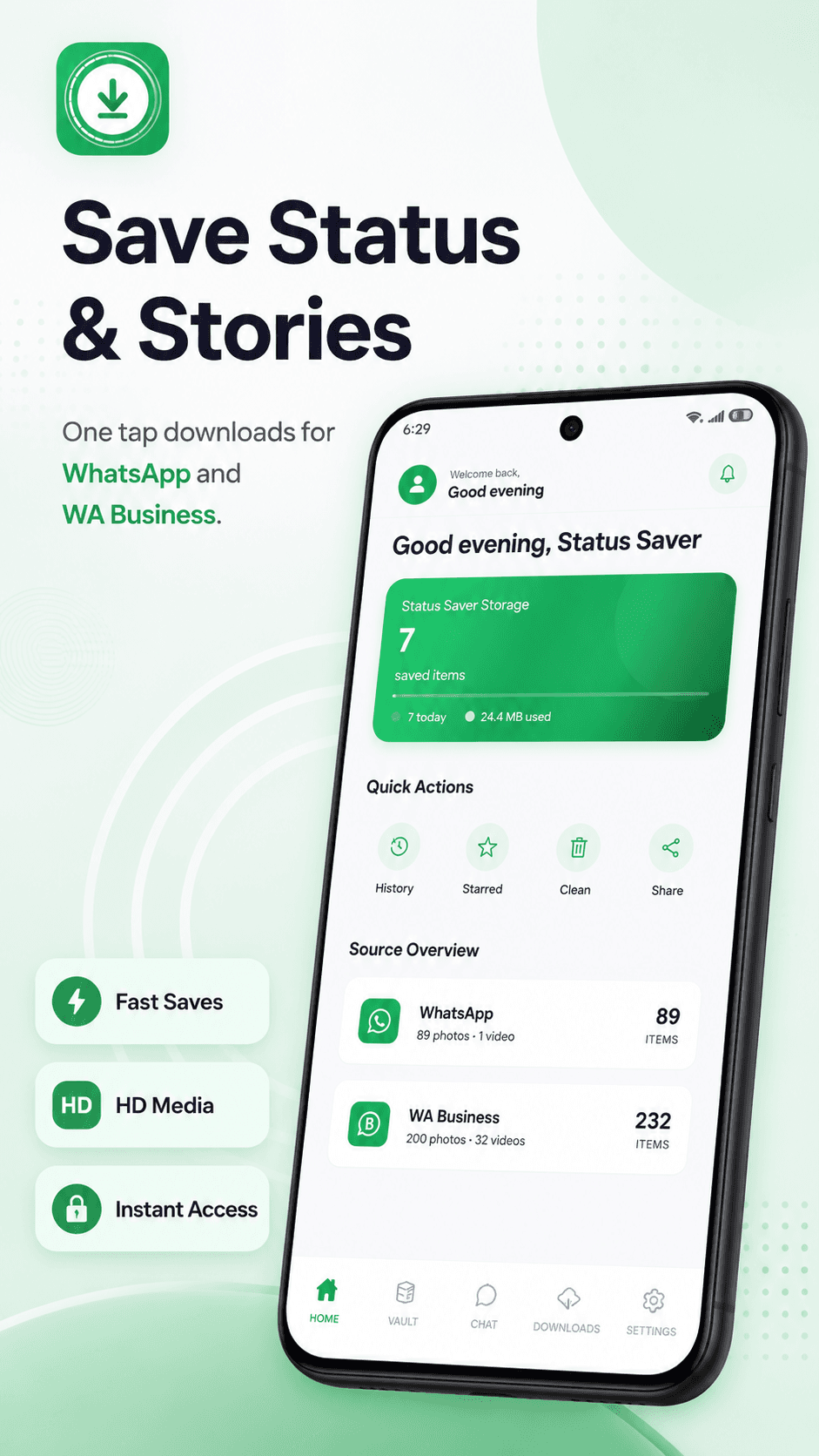
Save Statuses & Stories
One-tap downloads from WhatsApp and WA Business — saved before they expire.
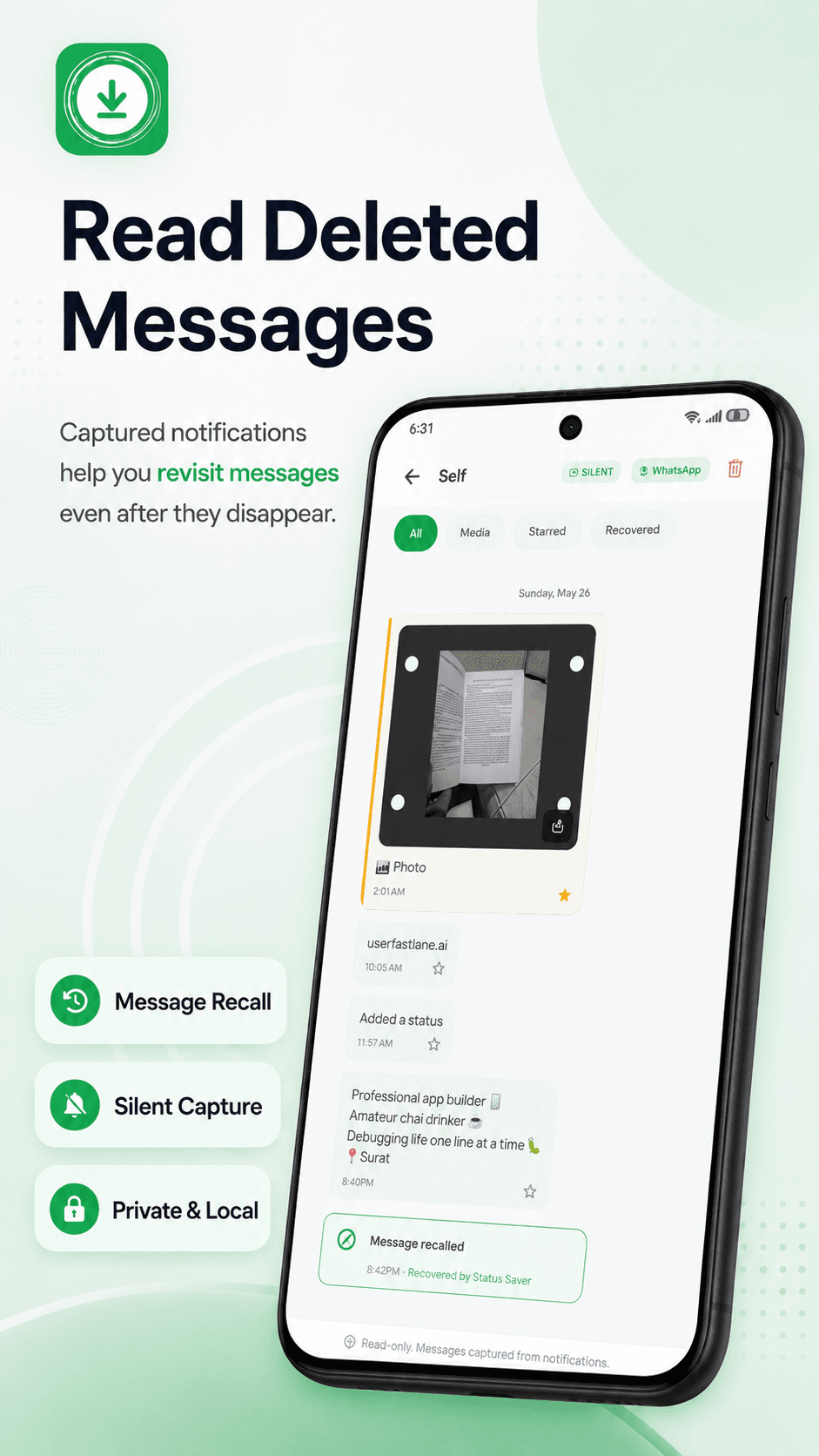
Read Deleted Messages
Captured locally via Android's notification listener, so messages senders later remove are still readable.
Organized Downloads Vault
Every saved file lands in a tidy vault, filtered by source, type, and retention period.
Search Chats Fast
Find any saved status, chat thread, or note by name, keyword, or photo caption.
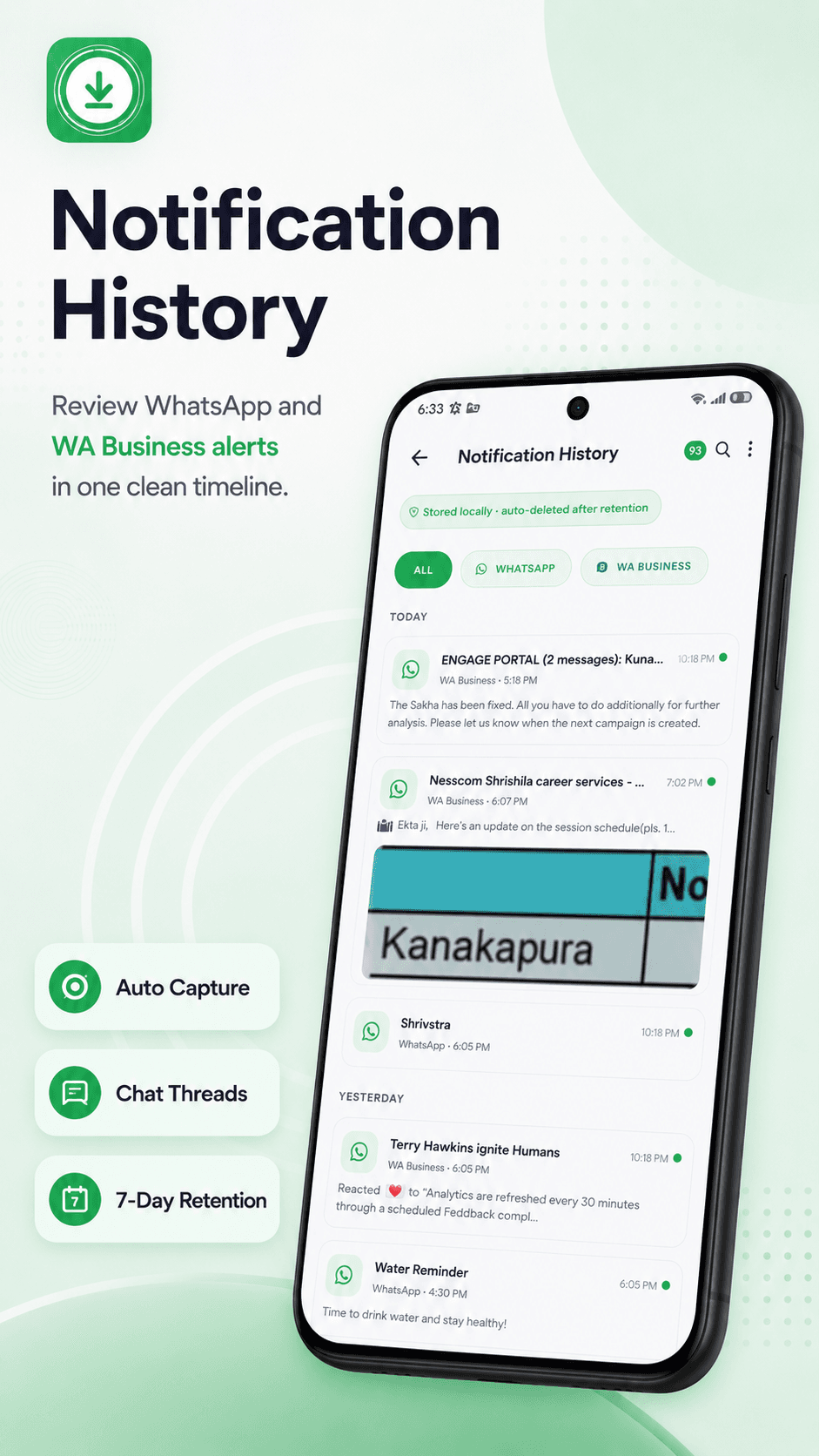
Notification History
Auto-capture chat threads with 7-day retention, ready to revisit in one clean timeline.
Private by Design
Everything stays on-device with offline storage and flexible retention — no account, no backend, no upload.
See it in action
Eight peeks at the app — from saving a status to revisiting deleted messages, browsing the downloads vault, and customizing the look.
Save Status & Stories
Notification History
Read Deleted Messages
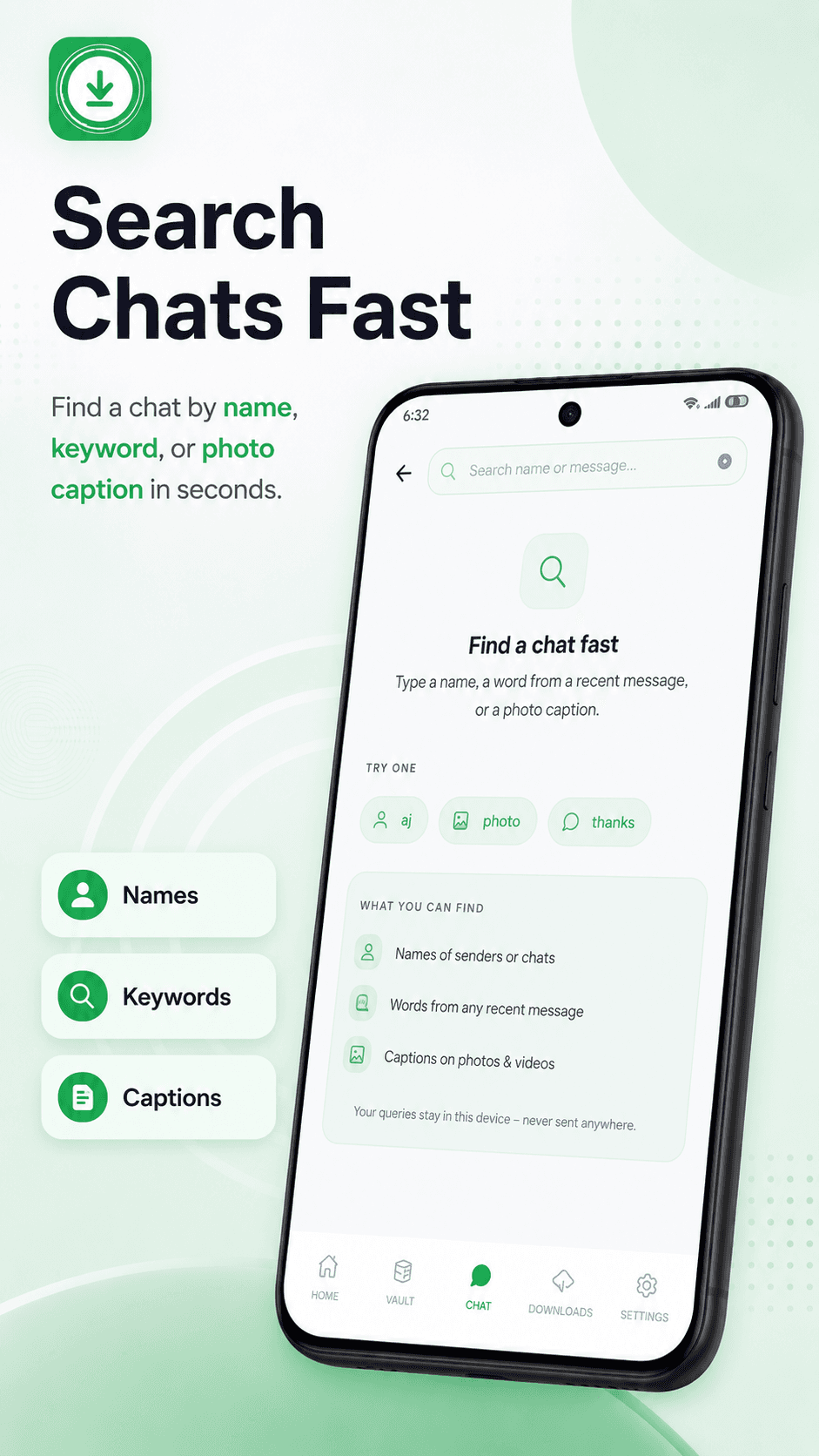
Search Chats Fast
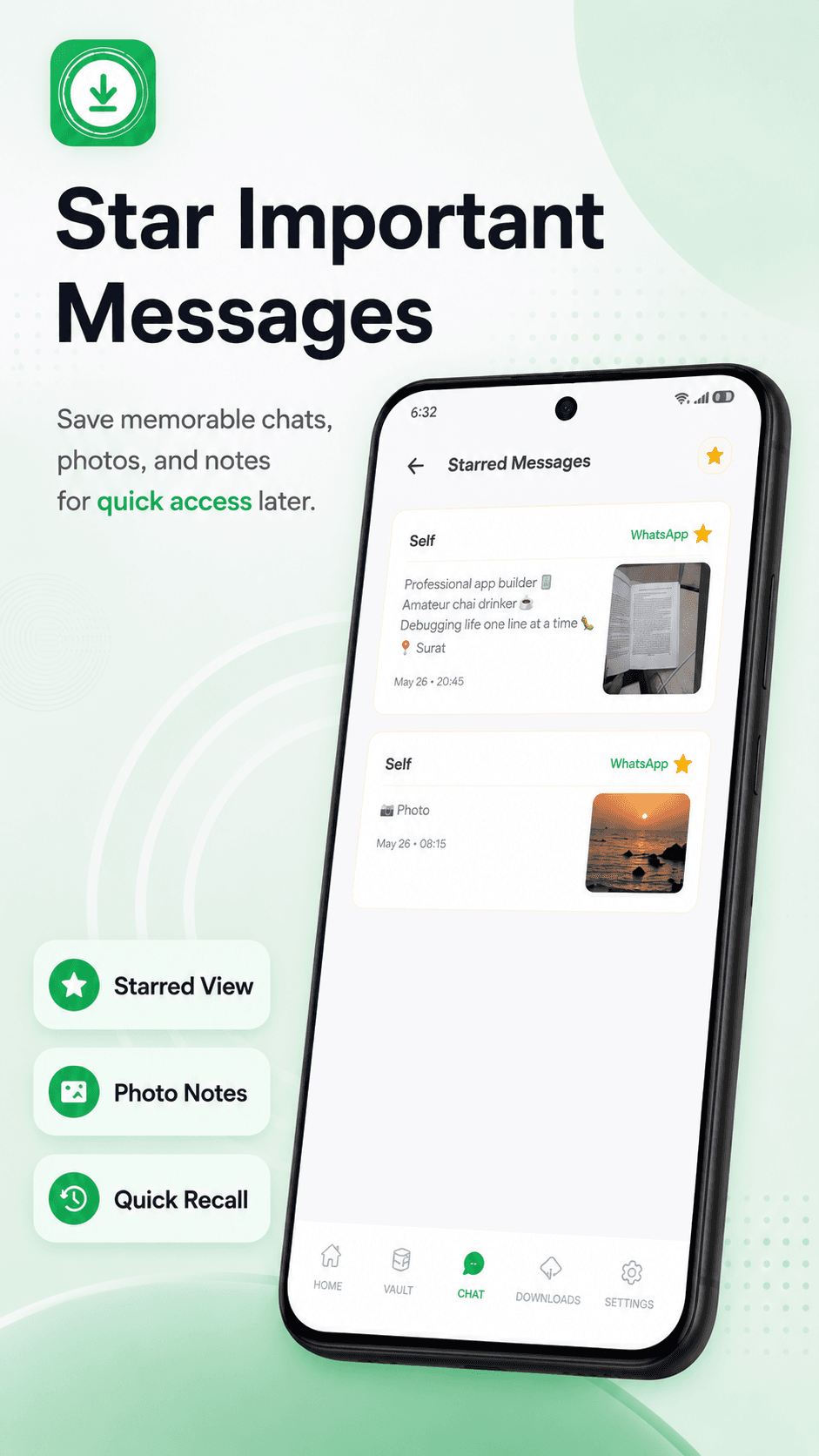
Star Important Messages
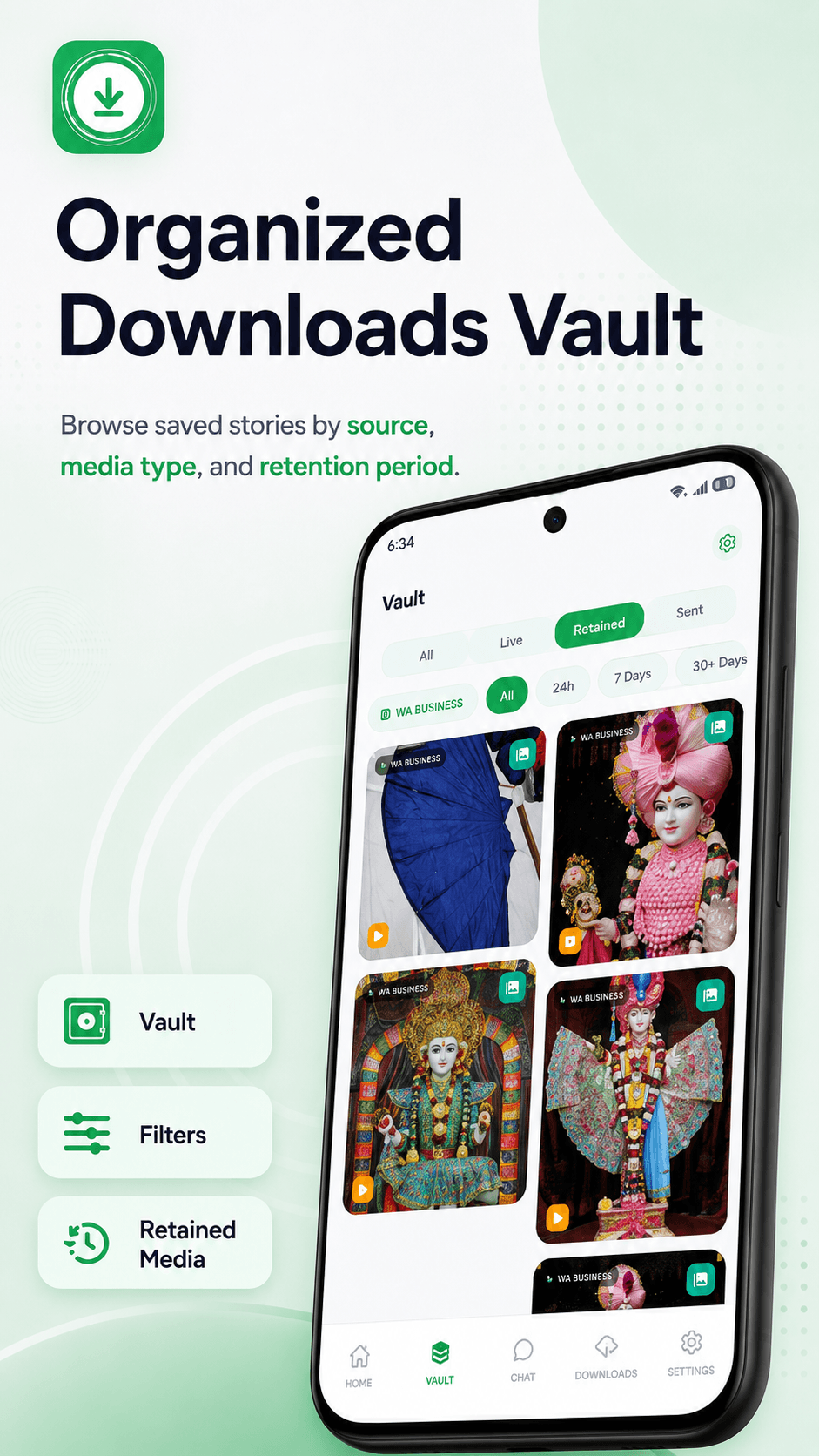
Downloads Vault
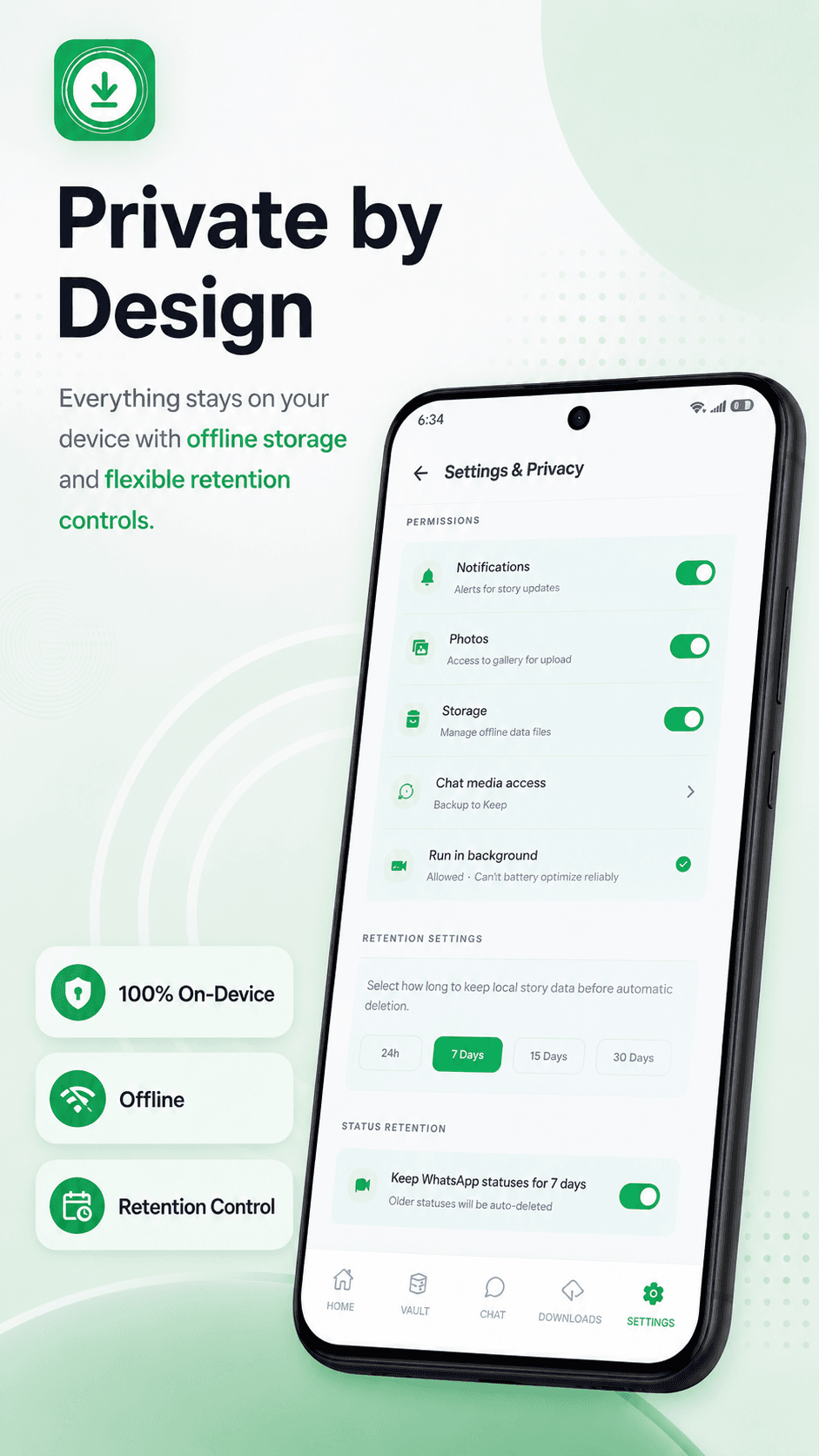
Private by Design
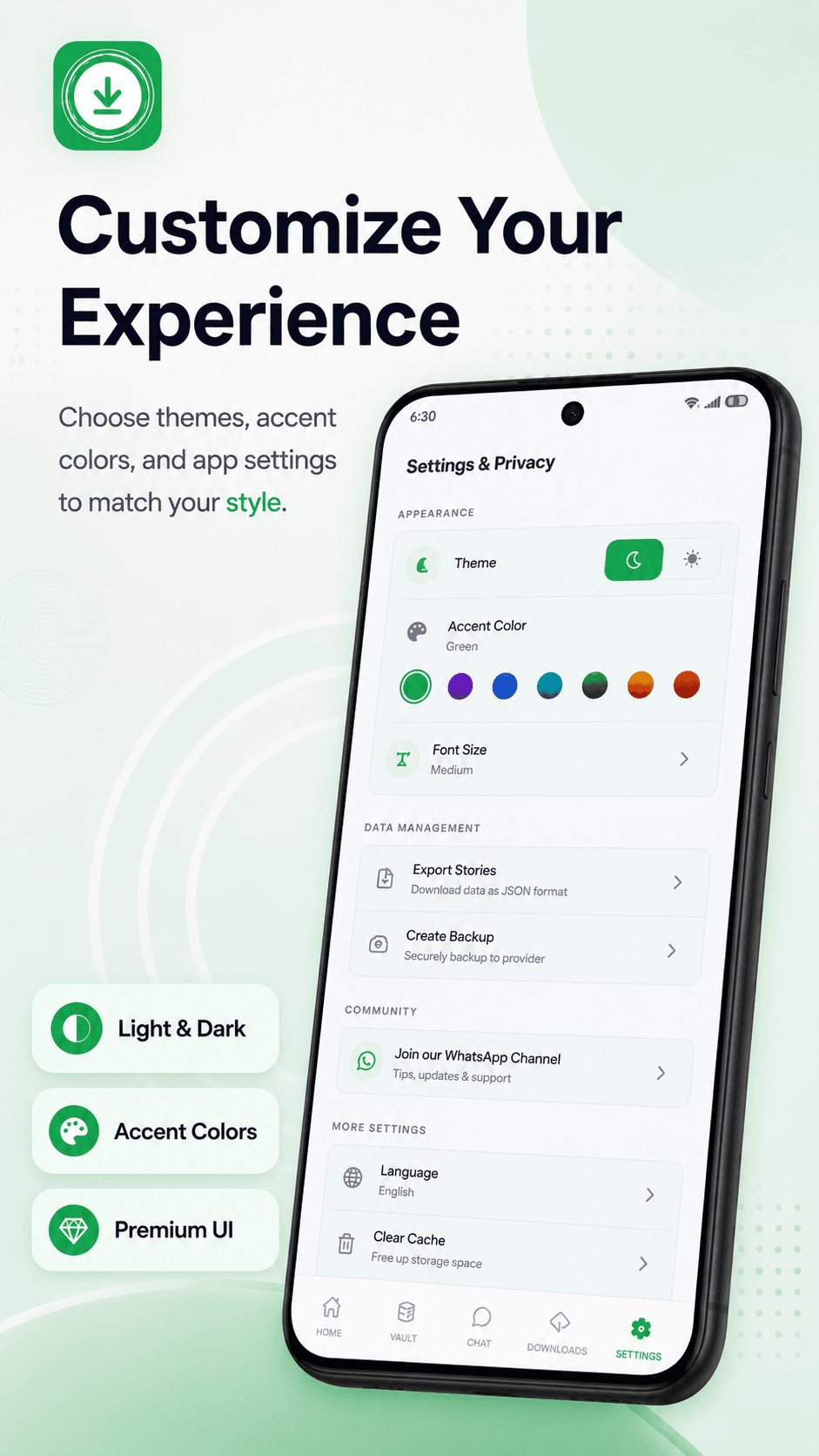
Customize
Your data never leaves your phone.
No backend
We don’t run a server that stores your messages or media.
No tracking profile
No advertising profile is built about you across apps.
Anonymous telemetry only
Toggleable in Settings, sends timing metrics, no content.
Read the full privacy policy.
How it works
- 01
Install & open
Grant access to your
.Statusesfolder via Android’s folder picker. - 02
Browse statuses
Tap to preview any WhatsApp status photo or video.
- 03
Save or share
One tap saves to Gallery or shares to any app.

Save WhatsApp statuses and recover deleted messages — entirely on your device.