Android · Free · Privacy
Lock your apps, photos, and files — all behind one PIN.
Locksy keeps prying eyes out. Set a PIN, pattern, or fingerprint, pick what to protect, and the rest stays private on your device.
Free · No sign-up · Fingerprint supported
Everything you need to keep things private.
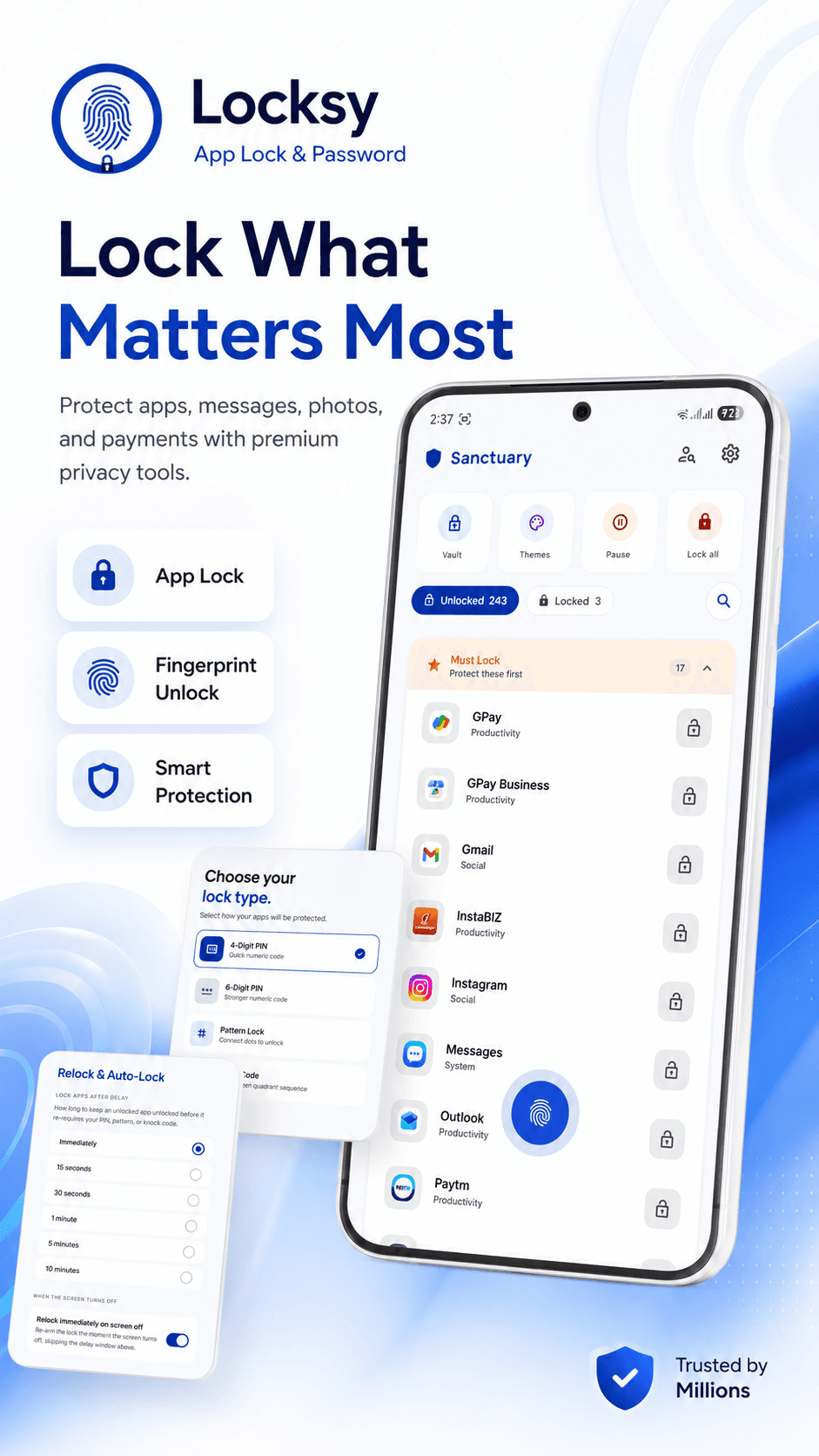
Lock what matters most
Protect apps, messages, photos, and payments with PIN, pattern, or fingerprint — one tap to set, one tap to unlock.
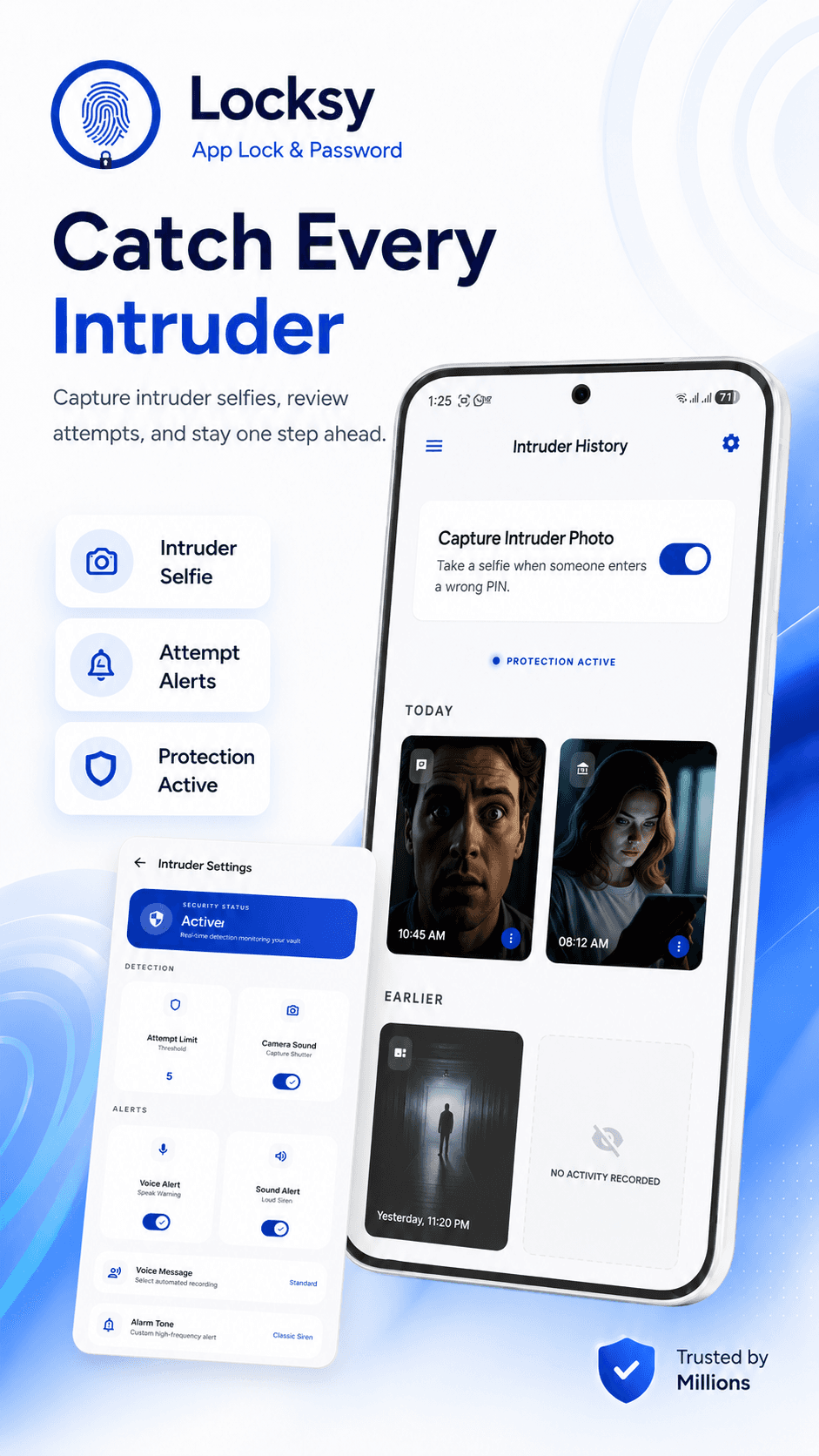
Catch every intruder
Intruder selfies capture anyone who fails to unlock, and an attempt history keeps you a step ahead.
Hide it in plain sight
Disguise mode, decoy access, and travel mode let Locksy blend in when curious eyes wander.
Your private vault
Move photos, videos, notes, and files into a vault sealed by the same key — secure media, private notes, and vault controls.
Complete privacy control
Dashboard, vault, intruder guard, and smart settings — everything you need to manage privacy in one elegant app.
Choose your perfect lock
Protect every app with a 4 or 6-digit PIN, pattern, fingerprint, or a knock code — fast setup, simple to switch.
Defend against tampering
App Defense, Uninstall Guard, and Auto Re-Lock block uninstall attempts, lock new installs, and re-lock the moment the screen sleeps.
Recover access with confidence
Account recovery, a backup PIN, and multiple languages mean you're never one forgotten passcode away from being locked out.
See Locksy in action
Eight peeks at the app — from the lock list to disguise mode, the private vault, and tamper defence.
Lock What Matters Most
Catch Every Intruder
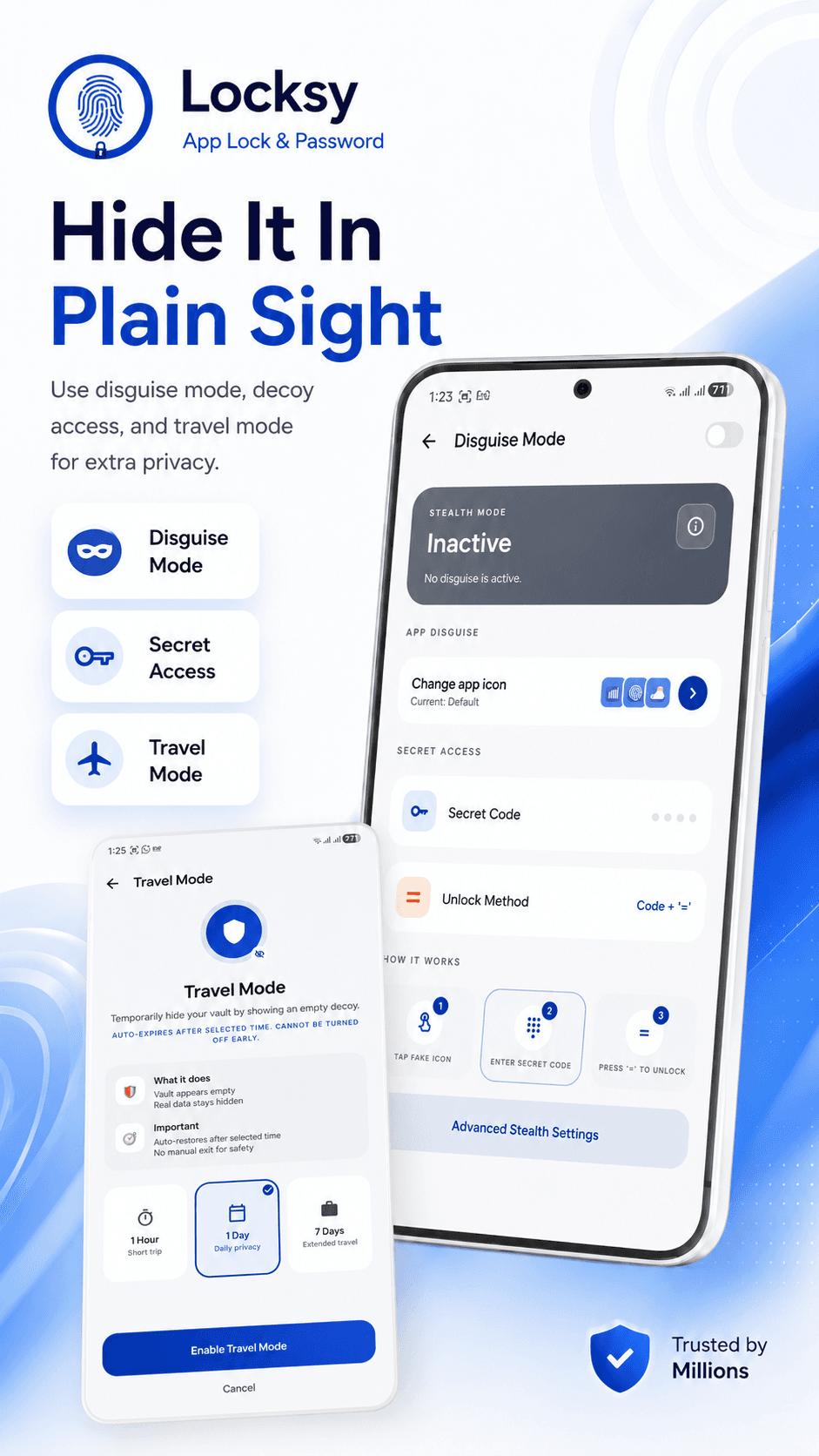
Hide It In Plain Sight
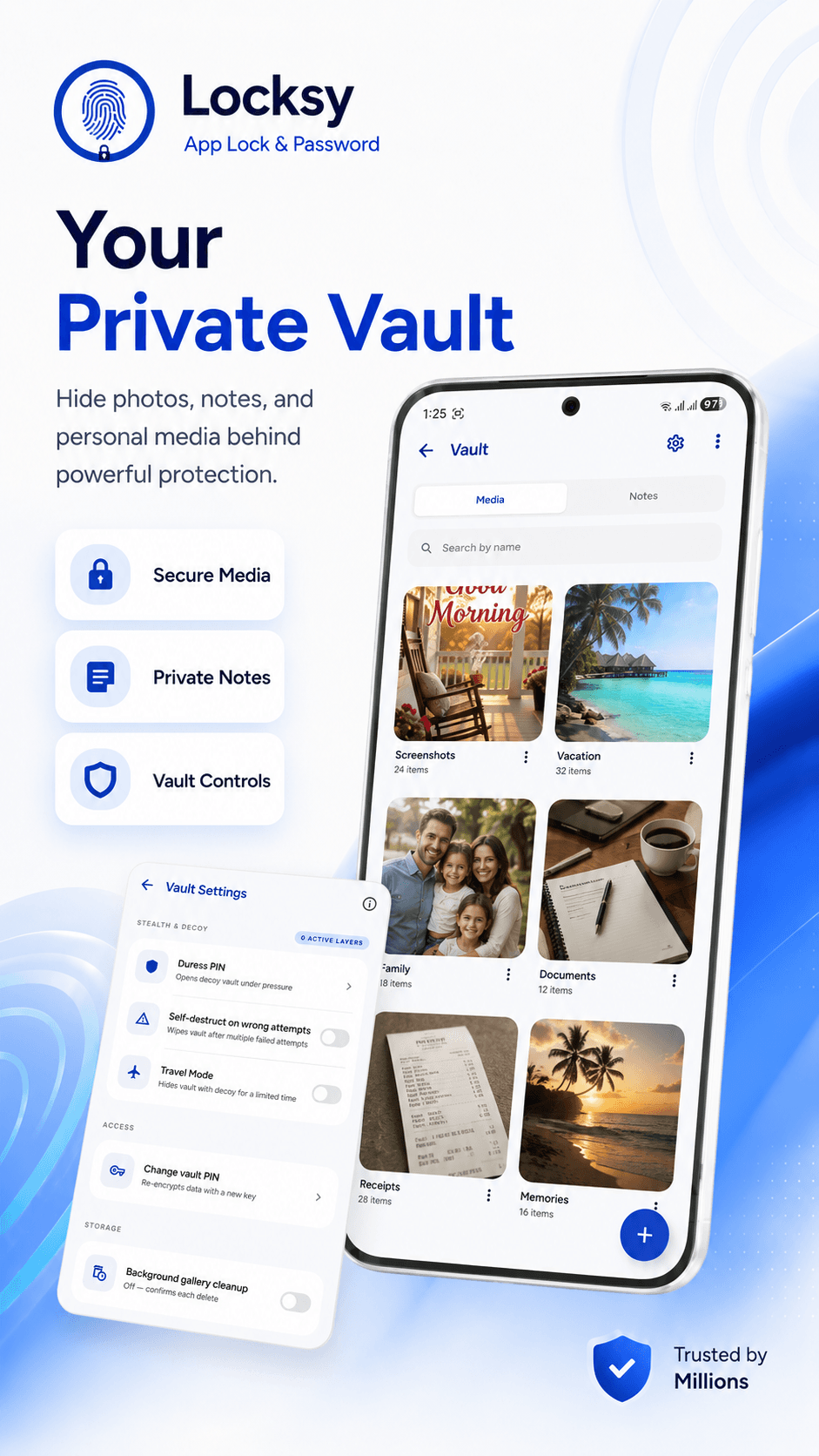
Your Private Vault
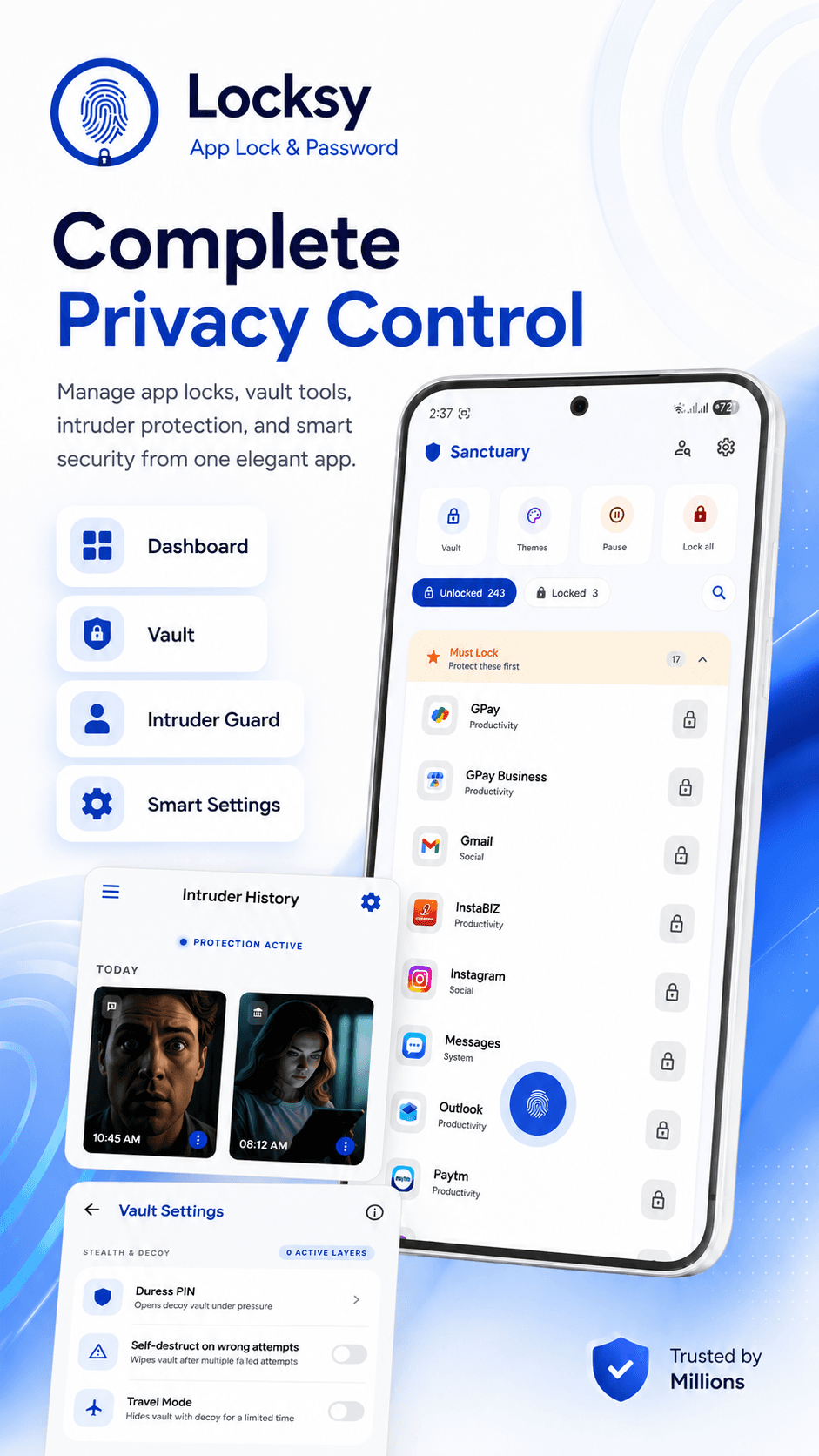
Complete Privacy Control
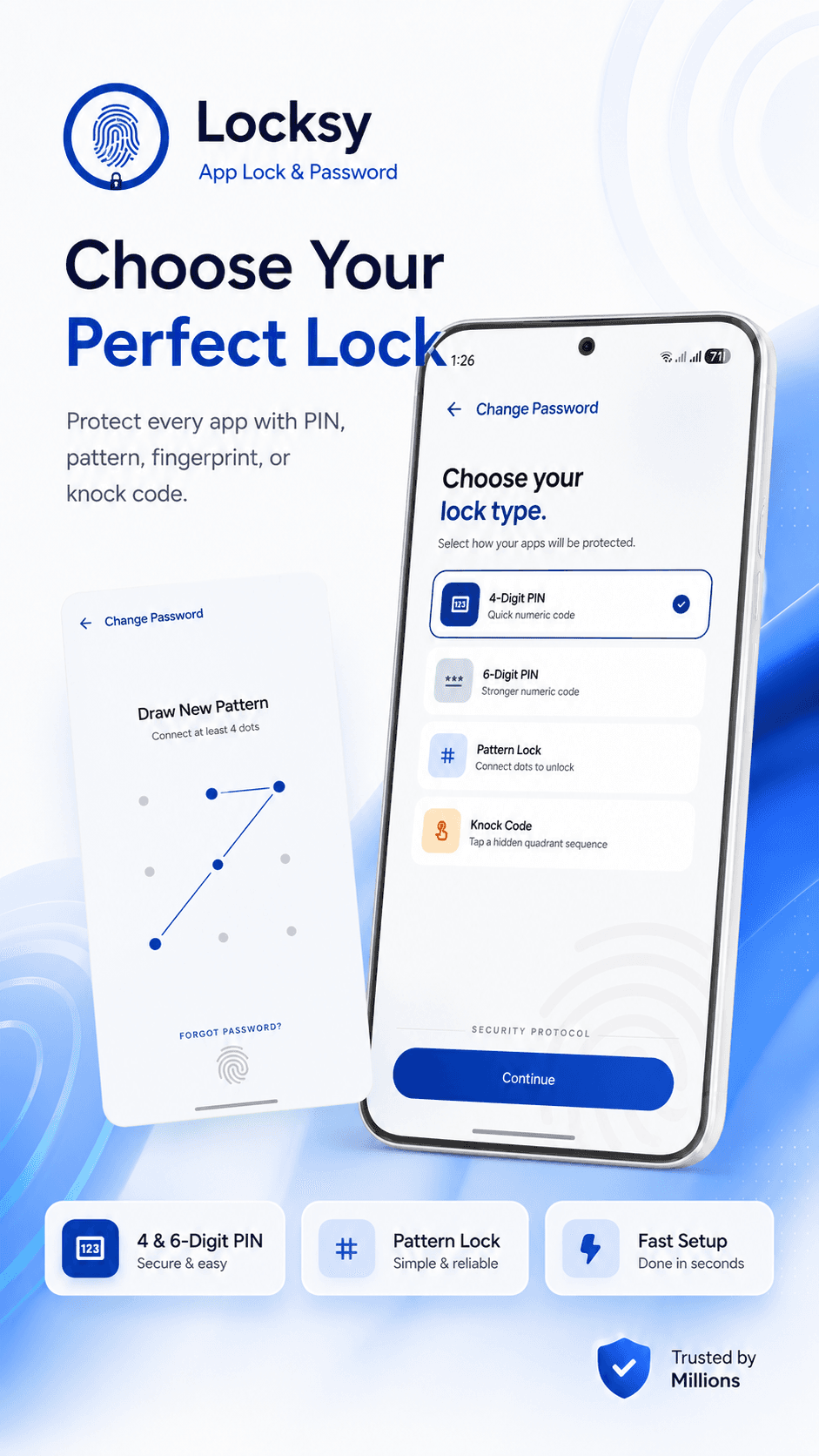
Choose Your Perfect Lock
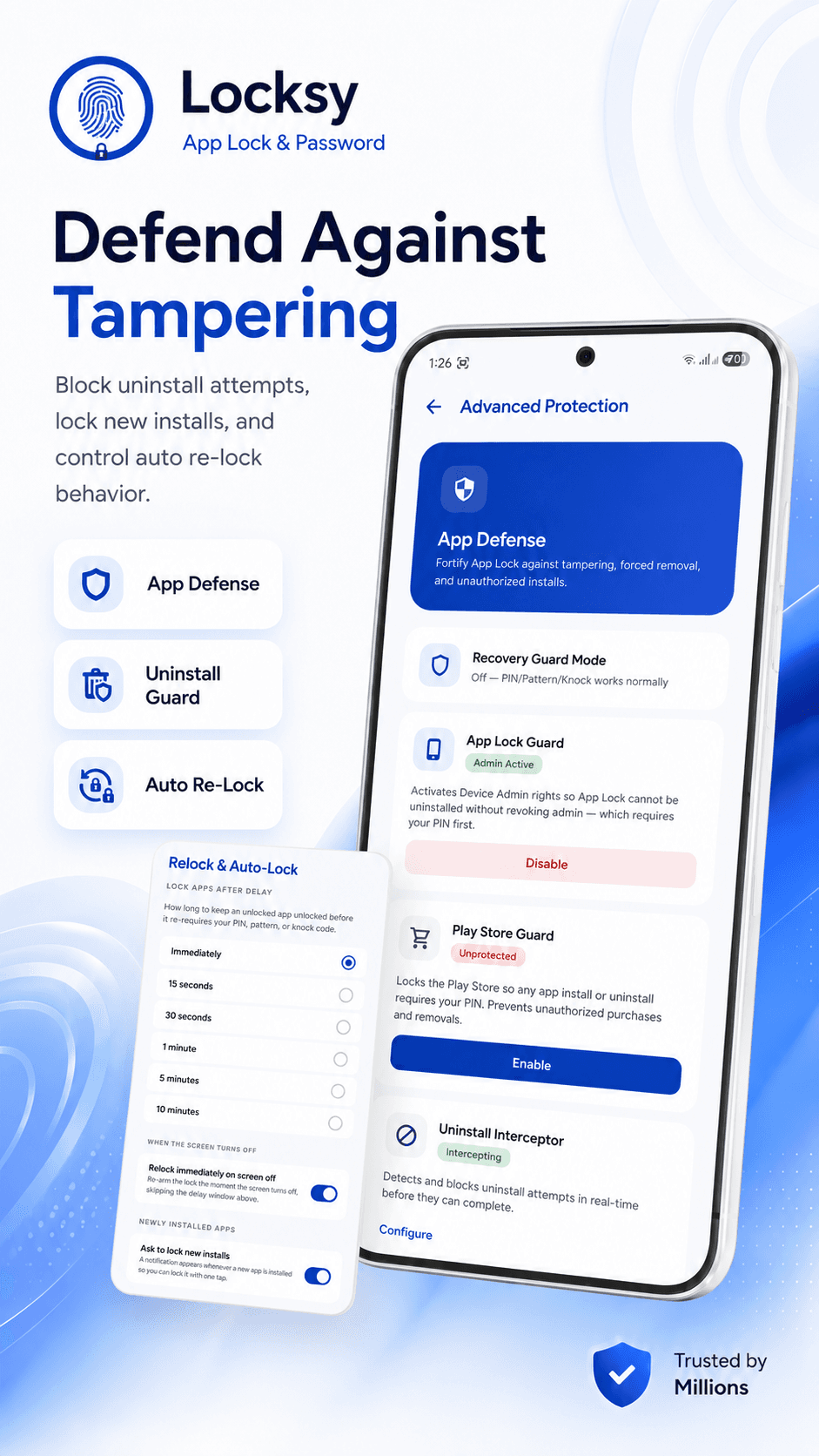
Defend Against Tampering
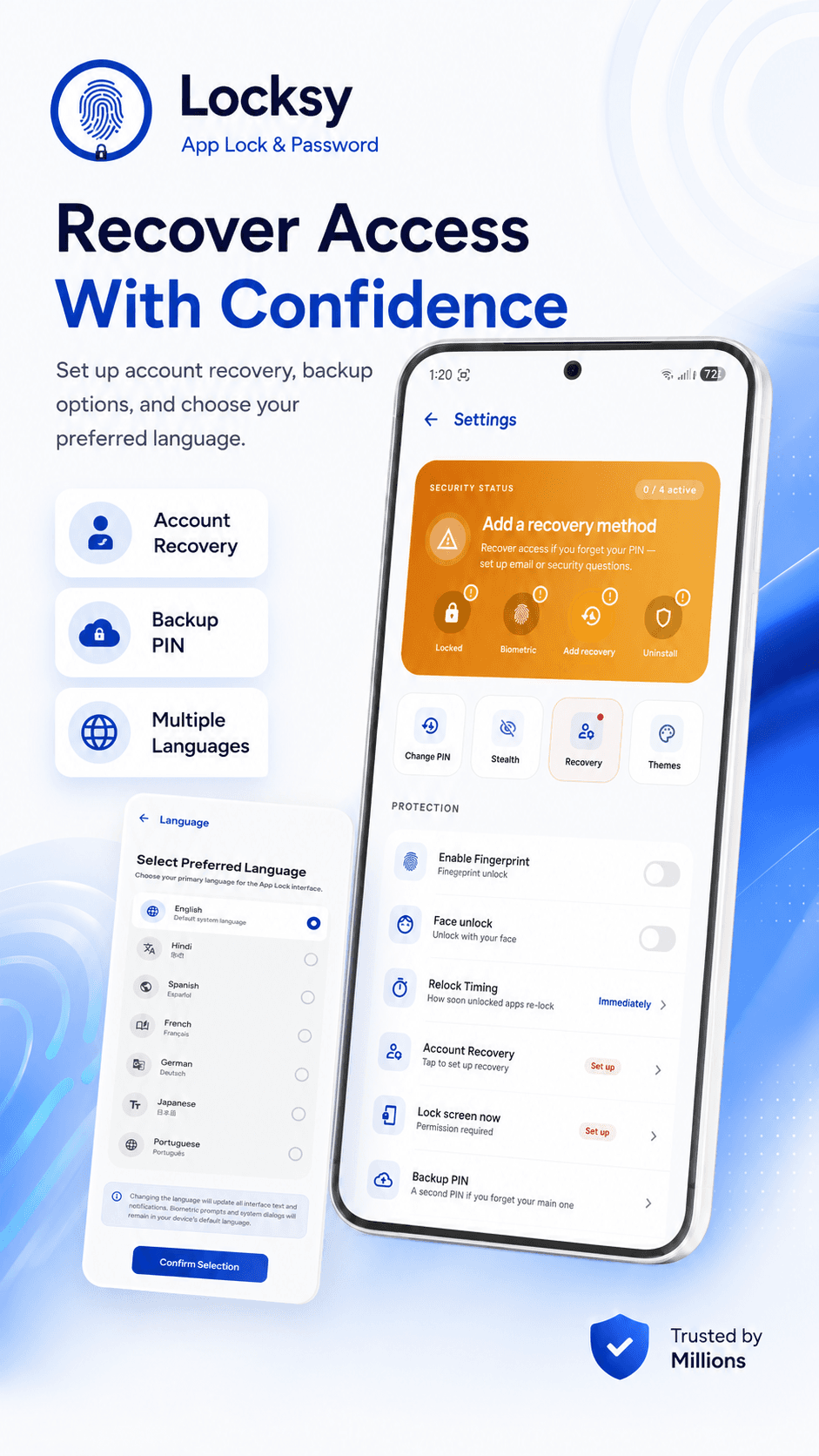
Recover Access With Confidence
Your locked content stays on your device.
No upload
Photos, videos, and files in the vault never leave your phone.
No account
Locksy works with zero sign-up.
You hold the key
Your PIN, pattern, and fingerprint live only on your device.
Read the full privacy policy.
How it works
- 01
Set your key
Pick a PIN, pattern, or fingerprint.
- 02
Pick what to protect
Choose apps to lock, or add photos and files to the vault.
- 03
Stay protected
Locksy locks your selected items every time the screen turns off.

Lock your apps, photos, and files — all behind one PIN.